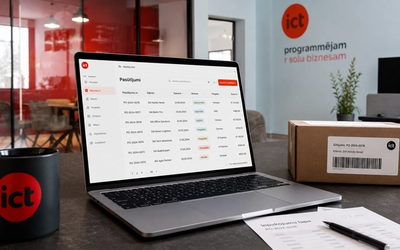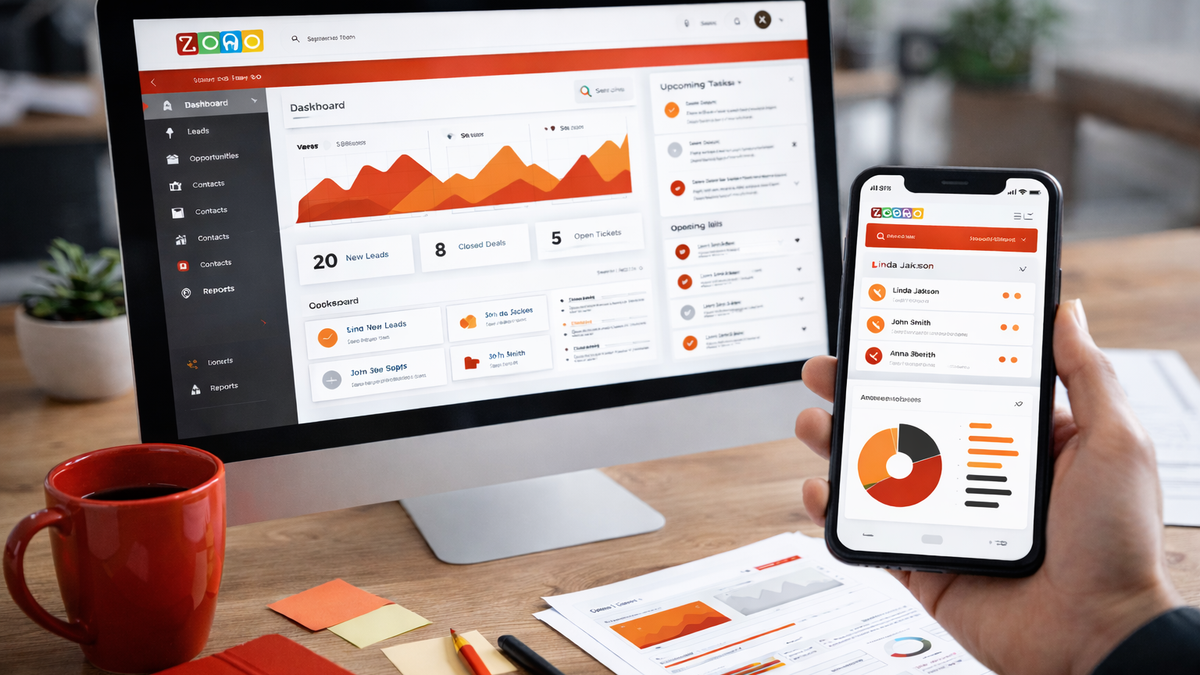
A CRM system (Customer Relationship Management) is software that gathers all the information about a company’s customers in one place: contacts, communication history, quotes, and deals. Its job is to make sure everyone on the team sees the full picture of each customer and no inquiry gets lost in inboxes or spreadsheets.
In this article we explain how a CRM system works, who needs one, which systems companies in Latvia use, and how to choose between a ready-made and a custom-built solution.
How does a CRM system work?
At the core of a CRM is a single shared customer database. Each customer has a card, and everything that happens with that customer accumulates on it: calls, emails, meetings, quotes sent, invoices issued. When a colleague goes on holiday or leaves the company, the customer history stays in the system, not in their mailbox.
The second building block is the sales pipeline. Every potential deal moves through stages from first contact to quote and contract. At any moment a manager can see how many deals sit in each stage, which ones are stuck, and what revenue to expect.
The third element is tasks and reminders. The system itself reminds you that you promised to call a customer on Thursday, or that a quote went out two weeks ago and no reply has come back.
The fourth element is integrations. A CRM rarely lives alone: it gets connected to email, the calendar, the accounting software, website forms, or the online store, so data flows in automatically instead of being retyped by hand.
In practice it looks simple. An inquiry arrives through the website form and the system creates a new deal. The salesperson calls, writes down a summary of the conversation, and schedules the next step. A week later the system reminds them to send the quote, and the manager sees in the report that the deal has reached the quote stage. Nobody has to keep anything in their head, and everyone sees the same picture.
What types of CRM systems are there?
By purpose, CRM systems are usually divided into three types:
- operational CRM: for daily work with contacts, deals, and tasks; used by salespeople and customer service;
- analytical CRM: collects and analyzes customer data to show which customers are the most valuable, which channels work, and where deals get lost;
- collaborative CRM: helps several departments, for example sales, marketing, and service, work with the same customer data.
Most modern systems combine all three types in one product, so in practice the choice is not between types but between depth of functionality and price.
Who needs a CRM system?
The short answer: any company that works with customers regularly and can no longer keep everything in one head or one Excel file. In practice there are a few typical signs that the moment has come:
- inquiries come in by email, phone, and social media, and some of them never get answered;
- several colleagues work with the same customer, but each sees only their own correspondence;
- the manager does not know how many quotes are open right now or what revenue to expect next month;
- customer history lives in employees’ mailboxes and disappears with them when they leave.
The industry matters little here. CRMs are used by sales teams, service providers, and manufacturers alike; only the things they track differ. Even for a small company with a few hundred customers a CRM often pays off quickly, because that is exactly where every lost inquiry hurts.
What does a company gain from a CRM system?
The first gain is order and speed. A customer’s history no longer has to be hunted down across three mailboxes, because all of it sits on one card. A new employee can take over customers in days rather than months. Quotes go out and get followed up on time, so fewer deals fall apart out of simple forgetfulness.
The second gain is data for decisions. CRM reports show which channels customers come from, how long the average sales cycle is, and which quotes most often end in a contract. Revenue can be planned on numbers instead of gut feeling.
The third gain is better customer service. When an existing customer calls, the employee immediately sees their orders, previous conversations, and open questions. The customer does not have to explain their situation for the tenth time, and answers come faster. That is why a CRM is often rolled out not just for sales but for the whole company.
Which CRM systems do companies in Latvia use?
The subscription systems best known worldwide are also the most common in Latvian companies:
- Pipedrive: founded in Estonia, built around the sales pipeline. Simple and quick to learn, which makes it popular with small and mid-sized companies;
- HubSpot CRM: a broad platform with a free basic tier. Alongside sales it also covers marketing and customer service;
- Salesforce: the world’s largest CRM platform with very deep functionality. Usually chosen by larger companies with their own administrators;
- Microsoft Dynamics 365: CRM combined with resource management modules. Convenient for companies already working in the Microsoft environment.
Zoho CRM and various niche systems come up as well. The principle is similar across all of them; what differs is the pricing model and how deeply the system can be adapted to your processes.
The other path is a custom-built CRM system shaped around one company’s processes. We have built Segrow, a CRM for real estate agents in Latvia, as well as client and project management systems for office, manufacturing, and trading companies.
How is CRM different from an ERP system?
A CRM manages customer relationships: contacts, communication, the sales process. An ERP system manages company resources: finances, warehouse, production, staff. Many companies use both and connect them so customer and financial data stay in sync. We compare the two in detail in our article on the differences between CRM and ERP systems.
How does a CRM rollout happen step by step?
Whether you pick a ready-made or a custom system, the rollout usually goes through five stages:
- Needs analysis. We study the company’s processes and pin down what the system will actually have to do. Requirements are easiest to define visually, for example in FigJam or Figma.
- Planning and design. A development plan with stages and deadlines takes shape, along with an interface design users understand without long training.
- Development or customization. The system is built or configured to the requirements and connected to the company’s other tools, such as accounting or the online store.
- Testing. Before launch the system is checked together with its key users to make sure it is secure and comfortable for daily work.
- Rollout and training. The system goes live and all employees get trained, including those who were not part of the project.
Ready-made or custom-built CRM?
A ready-made subscription system is a good start when the processes are standard: contacts, deals, reminders, reports. You can start using it within days, and the upfront cost is low.
Custom development pays off when the processes do not fit the standard mold: a specific industry, many integrations with other systems, special pricing or document logic. In those cases the workarounds and adaptation costs of a ready-made system eventually add up to more than building your own.
The cost logic differs too. With a subscription system you pay every month for every user, and the amount grows with the team. With a custom system most of the cost sits at the start of development, but after that there are no per-user fees and the system belongs to you.
If you are considering a system of your own, read more about our approach, experience, and pricing on the CRM system development page. Tell us about your process and we will suggest where to start.